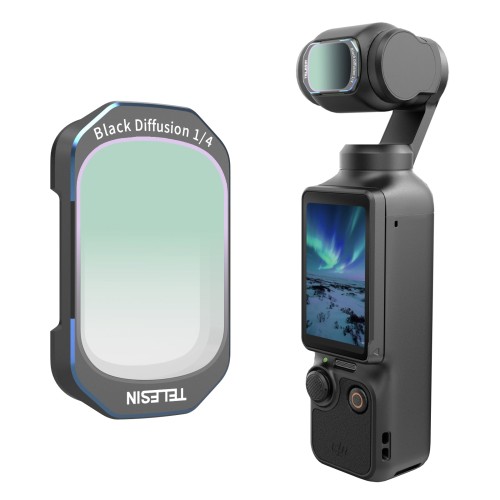


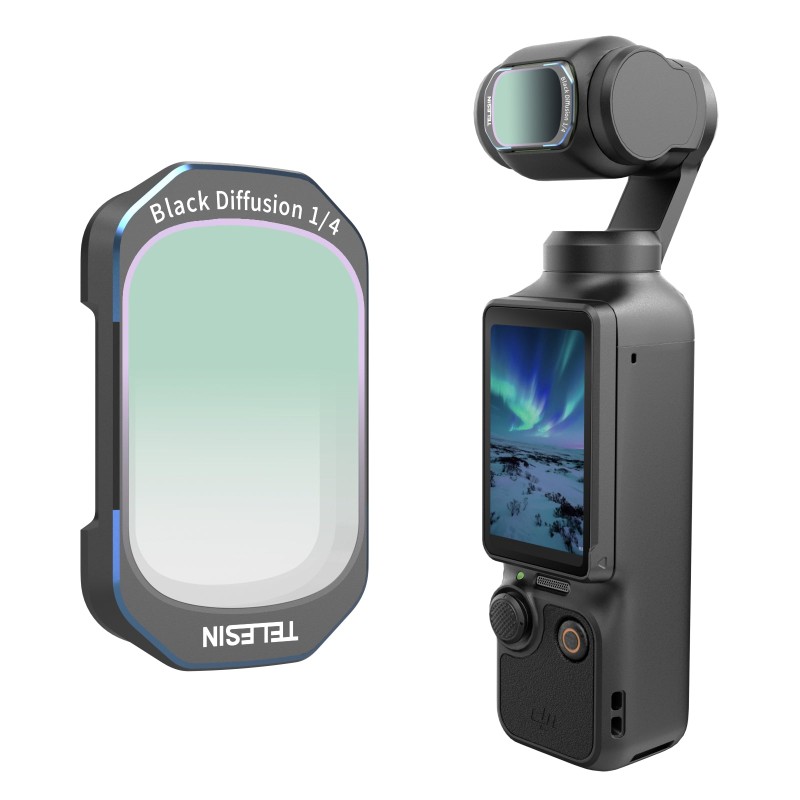
Black Diffusion 1/4 Filter for DJI Osmo Pocket 4/3
Telesin Black Diffusion 1/4 Filter for DJI Osmo Pocket 4 & 3 | Cinematic Soft Glow If your Osmo Pocket footage ever feels too sharp, flat, or “digital” — with blown-out highlights, over-sharpened skin, and that sterile …
Telesin Black Diffusion 1/4 Filter for DJI Osmo Pocket 4 & 3 | Cinematic Soft Glow
If your Osmo Pocket footage ever feels too sharp, flat, or “digital” — with blown-out highlights, over-sharpened skin, and that sterile compact-camera look — you’re not imagining things. The Pocket’s small sensor defaults to aggressive crispness, which works for landscapes but falls flat for portraits, night scenes, and mood-driven content.
This 1/4 black diffusion filter fixes that without nuking your detail. Built exclusively for DJI Osmo Pocket 4 and Pocket 3, it softens harsh highlights, knocks down contrast, and adds a subtle film-like glow to every clip. No heavy presets, no skin-smoothing plugins, just warmer, more intentional footage straight out of camera.


What a Black Diffusion Filter Does for Your Osmo Pocket Footage
A lot of people mix diffusion filters up with basic soft focus lenses. They’re not the same thing — and the difference matters a lot for real-world shooting.
Fix Harsh Digital Sharpness & Blowout Highlights
Out of the box, the Osmo Pocket line cranks in-camera sharpening to compensate for its small sensor. On skin, that translates to a flat, textured, almost harsh look. On bright backgrounds and light sources, highlights clip straight to pure white with no smooth falloff.
A black diffusion filter gently disperses bright highlights across the frame. It takes the edge off sharp skin edges, tames overexposed windows and lights, and softens overall contrast for a more forgiving, organic look. Unlike digital smoothing in post, the glow feels natural — not like you ran a filter preset over everything.
The Difference Between Black Diffusion and Regular Soft Focus Filters
A basic soft focus filter blurs the entire image evenly. Fine details get muddy, text turns unreadable, and the whole frame looks hazy. It’s a heavy, obvious effect.
Black diffusion works differently. It only lifts and softens highlights, while keeping dark areas and fine details sharp. Skin looks smoother, but eyes and lip lines stay defined. Night lights bloom into soft bokeh, but street signs and background objects stay clear. The effect is subtle, cinematic, and hard to match with simple post-production sliders.
Introducing the Telesin 1/4 Black Diffusion Filter for Pocket 4 & 3
This isn’t a generic one-size-fits-all filter. It’s sized precisely for the Osmo Pocket 4 and 3 lens, calibrated for a natural 1/4 strength effect, and built around how Pocket creators actually shoot.
What Does 1/4 Strength Mean, and Why Pick It?
Diffusion filters come in different strengths, and the number tells you how noticeable the softening will be:
- 1/8 strength: Very mild, almost unnoticeable softening for ultra-fine tweaks
- 1/4 strength: Light to moderate — the most versatile pick for everyday use
- 1/2 strength: Bold, heavy glow for stylized mood pieces
1/4 is the sweet spot for most creators. It adds visible cinematic texture and flattering skin softening, but never looks like you “slapped a filter on.” It works for daytime vlogs, portraits, and night scenes all the same, so you don’t have to carry multiple strengths for different shoots.
Designed Exclusively for DJI Osmo Pocket 4 and Pocket 3
Machined to match the exact lens diameter and gimbal clearance of both the Osmo Pocket 4 and Pocket 3, this filter fits perfectly on either model. If you upgrade cameras or own both, you won’t need to buy a second one. The slim frame never interferes with gimbal movement or startup calibration — attach and shoot, no extra setup.
Key Features That Deliver True Cinematic Texture
Octagonal Frame: Dreamy Octagon Bokeh & Easy Grip
Most round diffusion filters produce plain, generic circular bokeh. This filter’s signature octagonal shape pulls double duty.
First, it creates clean, geometric octagon-shaped highlight blooms in night scenes and backlit shots. It’s a subtle but premium cinematic touch — think street lights, neon signs, and window light turning into soft, intentional shapes instead of blobby circles. Second, the raised flat edges give you a secure grip when installing or removing the filter, so you don’t smudge the glass with your fingers mid-shoot.
Premium Optical Glass: Soft Glow Without Losing Detail
Cheap plastic diffusion filters turn your whole frame hazy and wash out resolution. This filter uses high-transmission optical glass for consistent, even diffusion across the entire image.
The effect is targeted: highlights get soft and glowing, but core detail stays intact. Skin looks smoother, but facial features stay sharp. Background lights bloom gently, but text and fine objects don’t turn into blobs. You get the texture of film, without throwing away your camera’s resolution.
Multi-Layer Nano Coatings: Anti-Flare & Stain Resistant
Multi-layer nano coatings cut down on unwanted reflection and glare, keeping contrast balanced even in direct light. That means the glow stays intentional, not messy and washed-out. The top coat also repels oil, fingerprints, and dust, so smudges wipe off easily mid-shoot.
Strong Magnetic Snap: 1-Second Installation
Strong magnetic attachment lets you snap the filter on or off in one second, no fumbling with threads. It stays secure through regular shooting and pocket carry, so you can swap up your look on the fly whenever inspiration hits.
Ideal Scenarios & Who This Filter Is For
This filter isn’t made for every type of shoot — but for the right creator, it’s the fastest way to level up the look of your footage.
Portrait & Close-Up Vlogging: Flattering Skin Without Over-Smoothing
If you film face-to-camera vlogs, talking heads, or close-up portraits, this filter is a game-changer. It softens skin texture, tames harsh forehead and cheek highlights, and adds a gentle, flattering glow — no digital skin smoothing preset required. The effect looks natural, not filtered.
Night & Low-Light Shooting: Soft Bokeh & Gentle Highlights
Street lights, neon signs, and window light go from harsh bright blobs to soft, geometric bokeh orbs. The octagonal shape adds quiet character to night scenes, and the diffusion takes the edge off bright point lights so they don’t blow out into pure white.
Retro Cinematic Vlogs & Mood Short Films
If you make moody travel reels, retro-style vlogs, or short creative films, this filter adds that intangible “film-like” texture that’s tough to nail in post. It takes the edge off the Pocket’s crisp digital look, giving your footage more warmth and depth with zero extra editing work.
Final Verdict: Is This Black Diffusion Filter Worth It?
At the end of the day, this filter is for creators who care about texture. If you shoot mostly portraits, vlogs, or night scenes and want that soft, film-like feel without digging into editing presets, it’s an easy pick.
It’s not an over-the-top gimmick you’ll use once. It’s a subtle, versatile upgrade that makes every clip feel a little more polished and intentional. The 1/4 strength works for nearly every shooting scenario, the octagonal bokeh adds a premium touch you can’t replicate in post, and the dual-model fit makes it great value if you own both Pocket 3 and 4.
If you exclusively shoot landscapes or product content and prioritize maximum sharpness, you’ll probably get more use out of a standard ND or color filter instead. But for portrait, night, and lifestyle creators, it’s one of the smallest, most noticeable upgrades you can make for your Pocket.
You Might Also Like
Best Selfie Stick for iPhone – TELESIN 1.8m Tripod
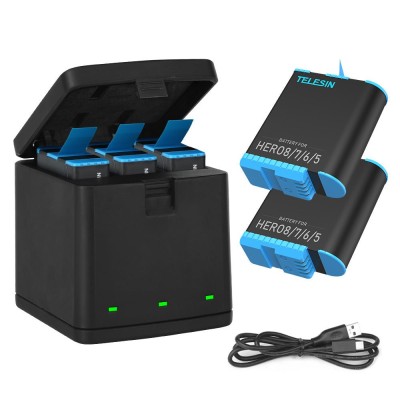
3 Slots LED Storage Charger Box for GoPro 5-8
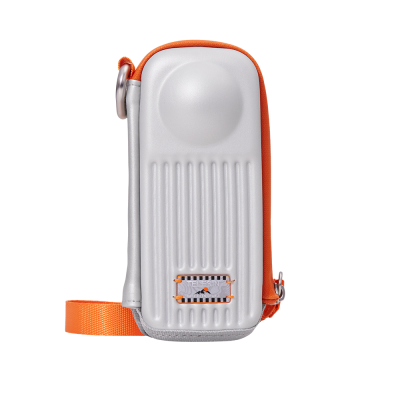
TELESIN Hard Case for Insta360 X5 X4 X4 Air, Shockproof & Splash Resistant Bag
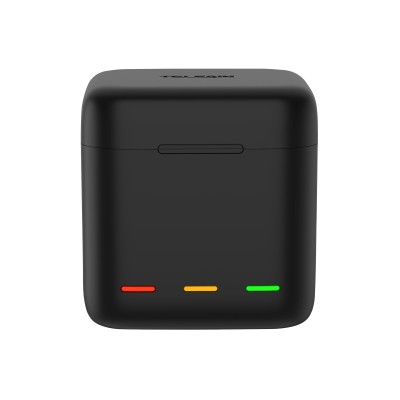
TELESIN 3 Slots LED Storage Charger Box With HERO 11/10/9 Extended Battery
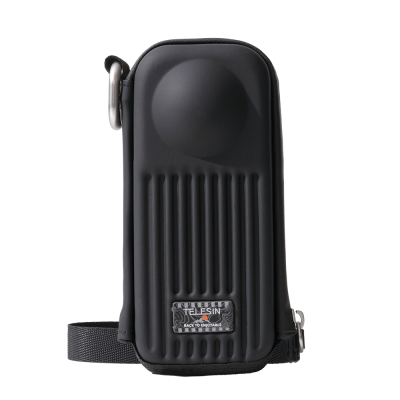
Black TELESIN Hard Case for Insta360 X5 X4 X4 Air, Shockproof Splash Resistant Bag